

A lunch rush with one staffer, weak cell service, and a line building fast will tell you pretty quickly whether you picked the best qr code ordering system or just the cheapest one.
For operators running food trucks, gun show tables, fireworks stands, popup bars, ghost kitchens, and specialty retail, QR ordering is not about novelty. It is about moving people through checkout faster, taking pressure off the counter, and collecting payment without adding more hardware, more training, or more chances for something to fail. The right system helps you sell. The wrong one creates bottlenecks.
What actually makes the best qr code ordering system
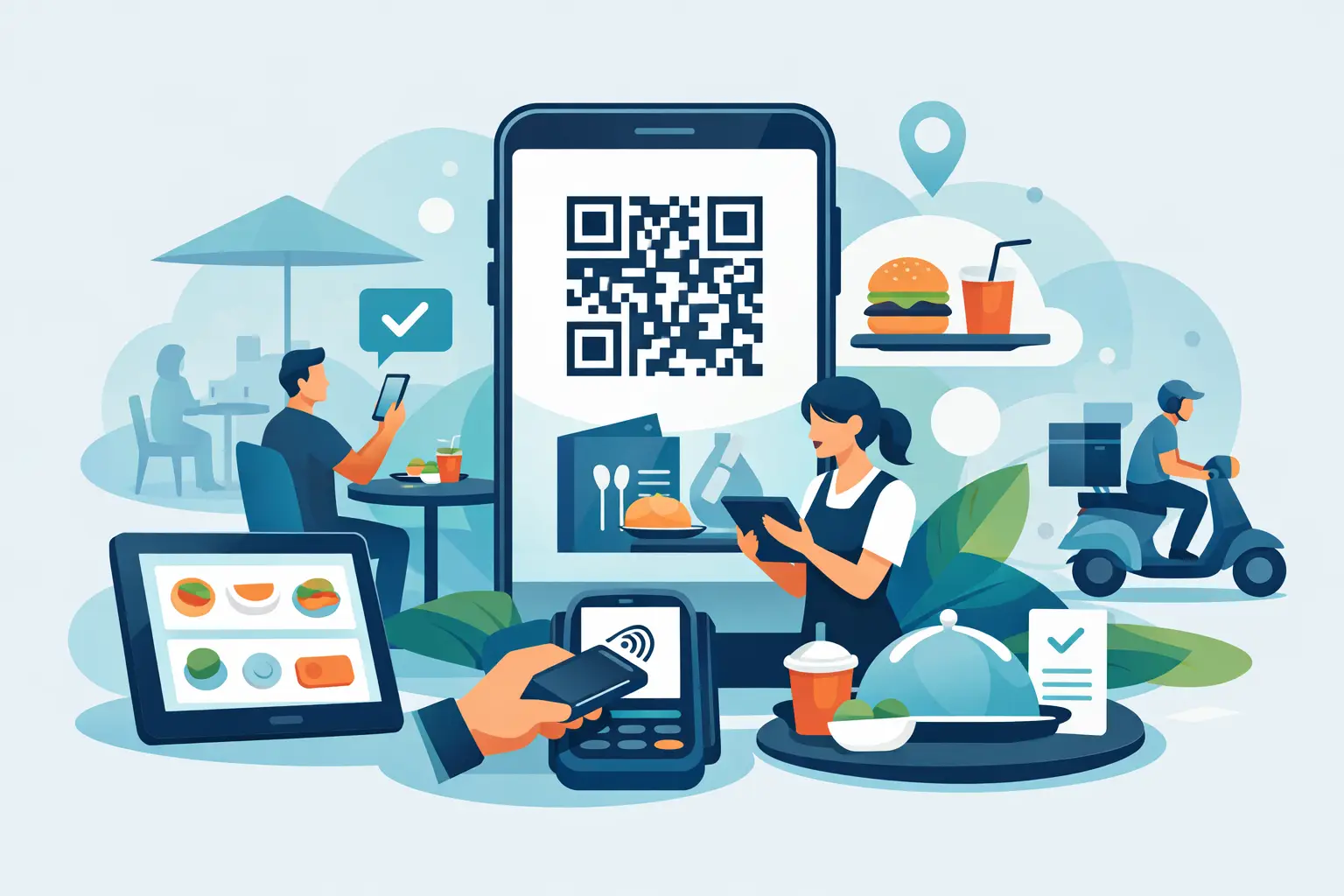
Most platforms pitch the same basic idea. A customer scans a code, opens a menu, places an order, and pays on their phone. That part is easy.
What separates a useful ordering system from a frustrating one is everything around that moment. Can it handle bad internet? Can you manage inventory without workarounds? Can it run alongside counter checkout, kiosks, and online ordering from the same dashboard? Can it process payments for businesses that mainstream providers treat like a problem?
That is where the real comparison starts.
The best QR code ordering system is not the one with the prettiest menu. It is the one that fits how you actually operate. A food truck at a brewery has different needs than a new FFL trying to start taking payments this week. A fireworks tent during a holiday rush needs speed and simplicity. A venue wants to cut lines without losing control of menu availability. The system has to match the job.
Start with your operating reality, not the feature list
If you run a fixed-location coffee shop with stable WiFi and a simple menu, you can get by with a lot of tools. If you run mobile, seasonal, regulated, or event-driven, your margin for error is much smaller.
That is why the best qr code ordering system usually comes down to five things.
First, it has to work on devices you already own. If a platform requires proprietary hardware to do basic tasks, setup gets slower and costs go up. Most small operators do not need another terminal, another tablet stand, or another locked-down device. They need something that runs on iPhone, Android, or iPad and gets out of the way.
Second, it needs payment flexibility. QR ordering is only useful if checkout is fast. Apple Pay, Google Pay, tap, insert, and online payment options all matter because customers do not want friction once they are ready to buy.
Third, it needs to hold up in the field. Mobile operators know the problem: service gets spotty, traffic spikes hit, and the one system you are relying on starts lagging. If your business sells in parking lots, fairs, ranges, or temporary setups, reliability matters more than a fancy interface.
Fourth, inventory has to stay tied together. If a customer orders through a QR code but the counter is selling from a different inventory view, mistakes pile up fast. The menu says one thing, the staff says another, and the customer is now annoyed before the order is even made.
Fifth, and this is a big one for regulated industries, your payments cannot be hanging by a thread. Plenty of operators have learned the hard way that a generic payment platform may let you sign up quickly, then review, freeze, or shut down the account once it takes a closer look at what you sell.
Why generic QR tools fall short
A lot of QR code ordering platforms were built for straightforward restaurant use. That is fine if you are a straightforward restaurant. It is not fine if you are running a business that sells knives, firearms accessories, fireworks, or anything else that gets flagged by providers that do not understand your category.
Even outside regulated industries, generic tools often assume stable infrastructure. They expect a clean front-of-house setup, fixed menus, and a business model that does not change by location, event, or season. That is not how many operators work.
A food truck may need QR ordering at the pickup window, counter checkout during a rush, and branded website ordering for preorders. A popup bar may want guests to scan and order from their table one night, then switch to a compact event setup the next. A range may need mobile checkout, product inventory, and payment stability that does not disappear after underwriting takes a second look.
The trade-off is simple. A generic platform may look familiar, but familiarity does not help much if it was not built for your business.
The best QR code ordering system should do more than QR
This is where buyers get tripped up. They shop for QR ordering as if it is a standalone feature, when it should really be part of a complete sales platform.
QR ordering works best when it connects directly to every other selling channel you use. That means the same inventory, the same product settings, the same discounts, the same reporting, and the same customer data across QR orders, counter checkout, self-service kiosk, NFC tap-to-order, and web orders.
If those channels live in separate systems, you will spend your time cleaning up operational mistakes. If they live in one place, you can actually use QR codes to increase order volume instead of creating extra admin.
This matters even more for lean teams. When one or two people are running the whole operation, the ordering system has to reduce decisions, not create them.
What to look for if you sell in regulated or specialty categories
If your business falls outside what mainstream platforms like to support, your checklist needs to be stricter.
Look closely at payment support first. Not just whether the platform can technically accept cards, but whether it is built to keep your account active in your category. That distinction matters. Plenty of operators get approved on the front end and shut down on the back end.
You also want inventory control that works at the SKU level, especially if compliance or age-restricted products are part of the business. Product organization, stock accuracy, and clear visibility across channels are not extras when your catalog is more complex than a burger menu.
If you are an FFL, there is another layer. Your ordering and payment workflow should not force you into disconnected tools for compliance-related tasks. That is one reason platforms built with firearm dealers in mind are worth a serious look. OtterOrder, for example, pairs QR ordering and mobile checkout with Payroc-powered payments designed for firearms businesses, plus Fastbound credit for bound books and electronic 4473 management. That is not a small detail if you are trying to get operational fast without stacking five different systems.
Speed to launch matters more than perfect setup
A lot of owners wait too long because they think switching systems has to be a project. Usually it does not. Usually the better question is how quickly you can start taking orders without interrupting the business you already have.
The best qr code ordering system should let you build a menu, connect payments, print or display your codes, and start selling without a long install process. If you can already run a mainstream checkout app, you should be able to run this too.
That ease of setup matters for seasonal businesses and event sellers even more. If your selling window is short, every day spent configuring hardware or troubleshooting account issues costs real money. You need something that works today, not after a week of emails.
How to decide which system is actually best for you
Ignore broad claims and test the fit against your busiest, messiest day.
Ask yourself what happens when the line gets long, one item sells out, a customer wants to pay with Apple Pay, and your signal drops to one bar. Ask whether the system still works if you move locations next weekend. Ask whether your processor understands your business or just tolerates it until something gets flagged.
That is how operators should evaluate software – not in a demo built for a perfect day, but in the conditions where things usually break.
If your business is mobile, regulated, specialty, or spread across several ordering channels, the best QR code ordering system is one that acts like practical infrastructure. It should help you sell from anywhere, keep checkout moving, and avoid the account risks and hardware headaches that slow down smaller operators.
A good QR setup gets customers through the line. A great one gives you room to keep growing without rebuilding your whole operation six months from now.