

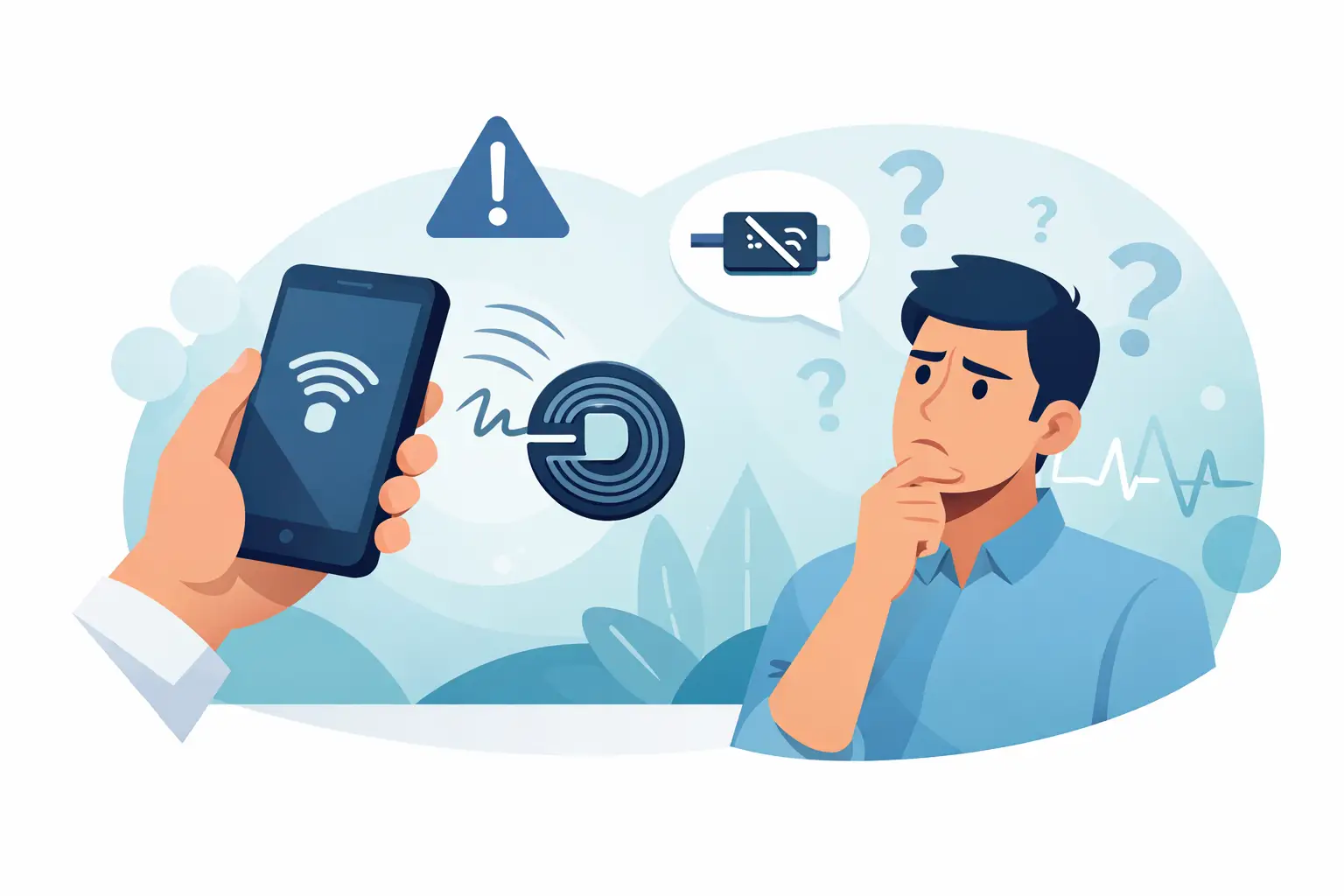
You tap your phone, expect something to open or pay, and instead get a message that says what does couldn’t read NFC tag mean. Annoying, especially when you’re trying to move a line, check out a customer, or get through a setup fast. The short answer is simple: your phone detected an NFC signal, but it couldn’t understand the data on that tag or complete the action tied to it.
What does couldn’t read NFC tag mean on your phone?
NFC stands for Near Field Communication. It’s the short-range wireless tech behind tap-to-pay, tap-to-pair, digital business cards, smart posters, and some ordering flows. When your phone says it couldn’t read an NFC tag, it usually means one of three things happened.
First, the phone found a tag but the tag data is damaged, incomplete, or formatted in a way the phone doesn’t support. Second, the phone detected something nearby that looks like a tag, but not one your device can use. Third, the action tied to the tag needs an app, setting, or permission that isn’t available at that moment.
That matters because this message doesn’t always mean something is broken. Sometimes it’s just the wrong device, the wrong app, or a tag that’s been programmed poorly.
Why this error shows up
In the field, NFC problems are usually less mysterious than they look. The phone and the tag need to agree on format, timing, position, and permission. If one part is off, you get the error.
A common cause is tag compatibility. Not every NFC tag stores data in the same format, and not every phone handles every format the same way. Android devices are generally more flexible, while iPhones can be stricter depending on the tag type and the action requested.
Another common issue is physical placement. NFC only works at very short range. If the tag is too far from the phone’s NFC antenna, or if the user is tapping the wrong area of the phone, the read can fail. Thick cases, metal surfaces, and battery accessories can also interfere.
Then there is bad programming. A cheap tag might have been encoded incorrectly, overwritten, or only partially written. If the phone reads enough to know a tag exists but not enough to complete the instruction, it throws the message.
And sometimes the problem is simpler than all that. NFC may be turned off. The screen may need to be unlocked. The right app may not be installed. A software update may have changed behavior.
What does couldn’t read NFC tag mean for payments?
If you’re seeing this around checkout, the context matters. There is a difference between reading an NFC tag and processing an NFC payment. A tag might launch a website, a menu, a loyalty offer, or a product page. A payment tap uses a different flow with tokenized card credentials and a certified reader or wallet process.
So if someone sees this message while trying to pay, it does not automatically mean the card or phone wallet is bad. It could mean they tapped against a sticker, sign, kiosk marker, or another nearby NFC object instead of the actual payment reader. It can also happen when multiple NFC targets are close together and the phone catches the wrong one first.
For operators, this is where clean setup matters. If you’re using tap-to-order, QR ordering, and contactless payments in the same space, placement matters. Keep signals clear. Make it obvious where guests should tap for ordering and where they should tap to pay.
How to fix it fast
If you need a practical fix, start with the easy stuff before blaming the hardware.
Check whether NFC is on
On Android, make sure NFC is enabled in settings. On iPhone, NFC support is built in on newer models, but the action may still depend on the app or wallet being open in the right way.
Unlock the phone
Some tags won’t read properly if the device is locked. Payment wallets and secure actions often require authentication first.
Move the phone slowly and find the antenna
The NFC reader is not always in the center of the phone. On many Android devices it’s near the back upper section. On iPhones it is often near the top edge. A slow, steady tap works better than waving the phone around.
Remove interference
A thick wallet case, magnetic mount, or metal plate can weaken the signal. If the read keeps failing, take the case off and try again.
Try another app or action
If the tag is supposed to open a specific function, the required app may be missing. Some tags are written for Android behavior and don’t translate well to iPhone, or the other way around.
Test with another phone
This helps isolate the issue fast. If multiple phones fail, the tag is probably the problem. If one phone works and another does not, you’re likely dealing with device settings or compatibility.
Reprogram or replace the tag
If you’re the one managing the tag, rewrite it using a reliable NFC writing tool or replace it outright. Tags are cheap. Lost time is not.
Android vs. iPhone behavior
Android users see this message more often because Android exposes more NFC interactions directly. The upside is flexibility. The downside is more room for odd edge cases.
On iPhone, NFC often feels simpler because Apple limits some background behavior and routes many actions through tighter system controls. That can reduce random prompts, but it also means a tag that works on Android may not behave the same way on iPhone.
This is one of those it-depends situations. If you run a business that expects customers to tap phones for menus, loyalty, ordering, or check-in, test on both platforms before you put signs out in the wild. What works in your office on one device can fail at a busy event when ten different phones show up.
When the tag itself is the problem
Not every NFC tag is worth trusting in a real sales environment. Low-quality tags can fail after heavy use, poor weather, rough handling, or bad initial programming. If you’re using tags outdoors at a fireworks stand, near food truck heat, or in a mobile setup that gets packed and unpacked constantly, wear and tear shows up fast.
The material around the tag matters too. Metal surfaces can interfere unless the tag is designed for metal mounting. Moisture, adhesive failure, and flexing can all cause inconsistent reads. A tag that works five times and fails on the sixth is worse than a tag that fails immediately because it slows down the line and creates doubt.
If the tag supports an important workflow, treat it like operational equipment, not a novelty sticker.
How operators can avoid NFC headaches
The best fix is prevention. Keep customer-facing taps simple. One tap should do one thing. If a sign launches ordering, don’t place it inches away from another NFC point doing something different.
Label the action clearly. “Tap here to open menu” is better than assuming people will figure it out. If payment happens somewhere else, say that too.
Test in the real environment, not just at a desk. Bright sun, background metal, bad cell service, old phones, and customers using bulky cases all change results. If your setup needs to work at a range, fairground, expo hall, or parking lot with shaky connectivity, build for that reality.
This is also where using a checkout solution designed for mobile and off-grid selling helps. If your ordering, payments, and device setup are all patched together from tools that were never meant for your business, little errors turn into line-stopping problems. A system like OtterOrder is built around that operator reality – phones and tablets you already own, tap and insert readers, online or offline selling, and less guesswork when customers are trying to move fast.
What to tell customers or staff
When someone asks what does couldn’t read NFC tag mean, don’t overcomplicate it. Tell them the phone saw a tap signal but couldn’t complete the read. Then give one instruction at a time: unlock the phone, tap the top or back of the device, hold still for a second, and try again.
For staff, make troubleshooting part of the setup, not an afterthought. They should know which tap point triggers ordering, which one handles payment, and what backup path to use if NFC fails. Usually that means a visible QR code, a manual checkout option, or sending the customer straight to the payment reader.
NFC is useful because it removes steps. But when it fails, the fastest operator wins by having a fallback ready and keeping the sale moving.
If this message keeps showing up, don’t assume users are doing it wrong. Check the tag, check the placement, and check whether the workflow makes sense under real pressure. The goal isn’t fancy tech. The goal is a tap that works when the line is three people deep and getting longer.