

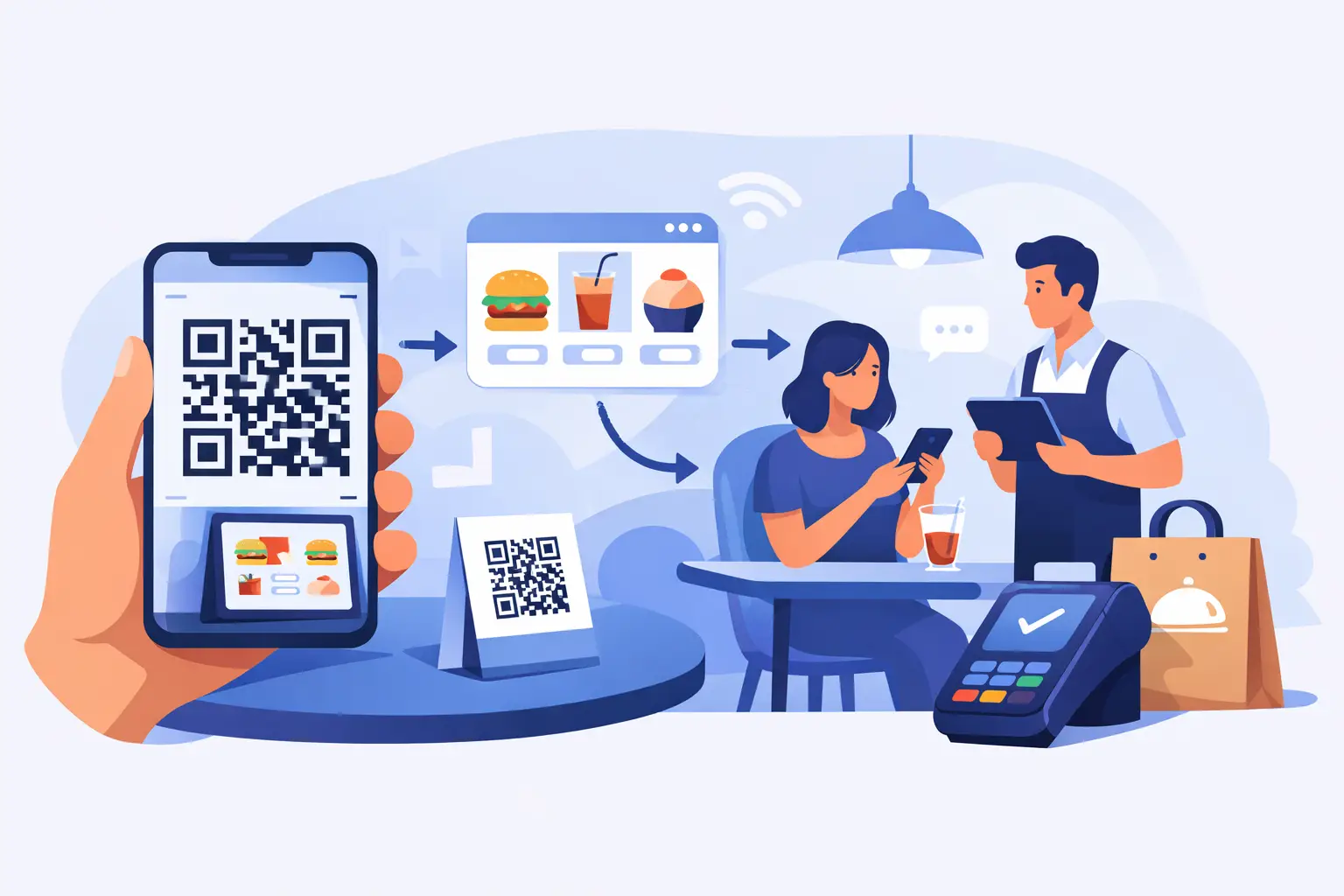
A lunch rush with one cashier, a line forming at the counter, and customers already holding their phones – that is exactly where QR code ordering starts to make sense. If you have asked what is qr code ordering, the short answer is simple: it lets customers scan a code with their phone, open a digital menu or product page, place an order, and often pay on the spot without waiting for staff to walk them through checkout.
For operators, that matters because it cuts friction where friction costs money. Fewer bottlenecks. Faster order flow. Less time answering the same questions at the counter. And if you run a mobile, event-based, or regulated business, it can give you a way to sell without building your whole setup around fixed hardware.
What is QR code ordering?
QR code ordering is a checkout method that starts with a scannable QR code. A customer points their phone camera at the code, taps the prompt, and lands on a page where they can browse items, choose what they want, and submit an order. Depending on the setup, they can also pay immediately with card, Apple Pay, or Google Pay.
The code itself is just the entry point. What matters is the ordering system behind it. That system controls the menu or catalog, pricing, inventory, modifiers, availability, and payment flow. If the backend is weak, the QR code is just a shortcut to a frustrating experience. If the backend is solid, the code becomes a fast lane to more sales.
You will see QR code ordering in restaurants, food trucks, bars, stadiums, and pickup counters, but it is not limited to food. It also works well for popup retail, seasonal stands, vendor booths, and specialty businesses that need to move fast without adding staff.
How QR code ordering works in practice
At the customer level, it is straightforward. They scan a code, view the ordering page, add items to cart, and check out. Usually that all happens in the phone browser, so there is nothing to download.
On the operator side, there is more going on. The ordering system has to connect products, inventory, taxes, payment processing, and order routing. When someone places an order, the business needs to know what was ordered, whether it has been paid, and where that order should go next. A kitchen may need one flow. A gun show table may need another. A fireworks stand may just need a simple paid-order confirmation and a pickup handoff.
That is why the best QR code setups are not built as a gimmick. They are built as part of a full sales platform. You want one place to manage in-person checkout, online orders, inventory counts, and customer data instead of stitching together separate tools and hoping they agree with each other.
Why operators use QR code ordering
The biggest reason is speed. When customers can start ordering on their own phones, your staff spends less time repeating prices, walking people through options, or taking basic orders one by one. That can help during rushes, short staffing, or events where demand comes in waves.
The second reason is flexibility. QR code ordering works in places where a fixed counter setup does not. A food truck can post a code on the window. A festival vendor can place it on signage. A range can use it for lane reservations, retail add-ons, or snack ordering. A popup bar can use it to keep the line moving when every minute matters.
The third reason is that customers already know how to use it. Most people have scanned a QR code before. There is no training required on their end, which means less explanation from your team.
That said, adoption still depends on your audience. Some customers love self-service. Others would rather talk to a person. For most businesses, QR code ordering works best as one option inside a broader checkout setup, not the only way to buy.
Where QR code ordering works best
It fits best in high-volume, repeatable order environments. Food trucks are a strong example because customers usually want speed, not a long back-and-forth. Event vendors and seasonal operators also benefit because they need to get selling quickly without building out a full counter station.
It also works well where space is tight. If your operation runs out of a trailer, booth, folding table, or temporary stand, every square foot matters. A printed code can replace some of the traffic jam that normally builds around a single order point.
For regulated and specialty sellers, the fit depends on the transaction. QR code ordering can be great for browsing, pre-orders, accessories, merch, gift cards, and simple retail flows. But for products with compliance steps or identity requirements, the ordering process has to match the rules of the business. That is where generic tools often fall short. They may let you put up a code, but they do not support the way your operation actually needs to sell.
What QR code ordering is not
It is not a magic fix for bad operations. If your menu is confusing, your inventory is inaccurate, or your pickup process is chaos, adding a QR code will not solve that. In some cases, it will expose the problem faster.
It is also not the same as a full ordering strategy. A QR code is a trigger. The real value comes from what happens after the scan – how easy it is to browse, how quickly someone can pay, how clearly orders are managed, and whether your team can keep up on the fulfillment side.
And it is not always right for every customer interaction. If your business depends on education, age checks, or consultative selling, you may want QR code ordering to support the process, not replace your staff.
The real benefits of QR code ordering
Used well, QR code ordering reduces wait times and helps you serve more customers with the same team. That matters when labor is tight or your busiest window is short.
It can also improve order accuracy. Customers enter their own selections, modifiers, and quantities, which cuts down on misheard orders and manual entry mistakes. For businesses with lots of variations, that alone can save headaches.
There is also a payment advantage. If the system supports digital wallets and fast checkout, more customers finish the purchase without slowing down the line. That is especially useful in mobile environments where attention spans are short and signal strength may not be perfect.
Finally, it gives operators a cleaner view of what is selling. Because orders run through one system, you can track item performance, inventory movement, and customer behavior more clearly than you can with handwritten tickets or disconnected apps.
What to look for in a QR code ordering system
If you are evaluating options, start with reliability. The QR code is the easy part. The hard part is making sure the ordering page loads fast, payments go through, and orders show up where they need to.
Next, look at hardware flexibility. If a platform forces you into proprietary equipment, it may not be a fit for a mobile or seasonal business. Many operators need to use the phones or tablets they already own and add only what is necessary.
Inventory control matters too. If your counts do not update across channels, you will end up selling items you do not have or manually fixing stock all day. That gets expensive fast.
Then there is payment stability. This is a major issue in regulated and specialty industries. Some mainstream providers are happy to sign you up and quick to freeze you later. If your business sits in a category that gets extra scrutiny, your ordering system should not put your revenue at risk. That is one reason platforms built for these industries tend to perform better than general-purpose tools.
OtterOrder is built around that reality. If you can run Square, you can run it, but it goes further for operators who need QR code ordering, mobile checkout, offline payment support, and payments that fit industries generic platforms do not handle well.
Common trade-offs to think through
QR code ordering is fast, but it depends on the customer having a phone and being willing to use it. In older or less tech-friendly crowds, you may still need a staffed checkout option right beside it.
It also depends on your environment. If your venue has weak service, your setup needs to account for that. Some businesses solve this with stronger connectivity plans or a platform that supports offline payment scenarios for other parts of the operation.
Branding is another trade-off. Some QR ordering pages feel generic and forgettable. Others let you present a cleaner, branded experience that builds trust and encourages repeat orders. If customer loyalty matters in your business, that detail is worth paying attention to.
Is QR code ordering right for your business?
If you sell in a fast-moving, space-limited, or mobile environment, probably yes. If your team wastes time taking simple orders that customers could enter themselves, probably yes. If your current setup breaks down during rushes or events, definitely worth a look.
But the smarter question is not just what is qr code ordering. It is whether the ordering system behind it matches how you actually operate. A good setup should help you start selling quickly, keep orders organized, and take payments without drama.
When it works, customers get a faster path to buy and you get a cleaner operation. That is the kind of tool worth adding – not because it is trendy, but because it earns its spot on a busy day.